How to Setup IPTV Playlist & EPG on Any Device in 3 Steps
Written by the Customer Support Team at redditflix.com
To understand how to setup IPTV playlist configurations quickly, you only need your provider's M3U URL or Xtream Codes API login (Server URL, Username, and Password). Once entered into your media player of choice, your channel categories, VOD movies, and 7-day electronic program guide (EPG) synchronize automatically. At redditflix.com, we deliver pre-formatted playlist links directly to your WhatsApp in under three minutes.
M3U Link vs. Xtream Codes API: Which Connection Method Is Better?
When you subscribe to an IPTV service, you generally receive two methods for loading channels into your player:
1. Xtream Codes API (Recommended)
The Xtream Codes API connection divides your subscription credentials into three distinct inputs: Server URL (e.g. http://domain.com:8080), Username, and Password. This method is superior because it allows the player to load live channels, movies, and TV series in separate databases rather than loading a massive text file at once, which speeds up navigation and reduces RAM usage.
2. M3U Plus URL Link
An M3U playlist is a single web address formatted with your authentication token embedded in the query string (e.g., http://server.com/get.php?username=XXX&password=YYY&type=m3u_plus). This is ideal for lightweight media players like VLC Media Player or native Smart TV apps where inputting individual fields with a remote control is tedious.
Ready to test our live channel catalog?
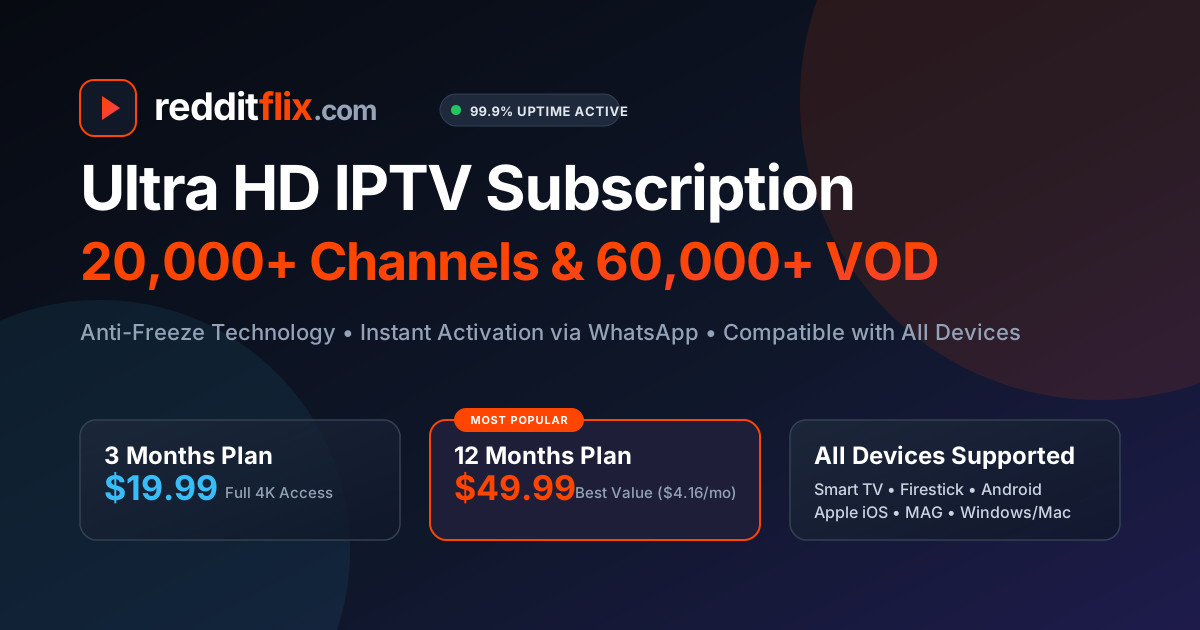
Get your customized M3U URL and Xtream Codes delivered to WhatsApp in 2 minutes. Plans start at $19.99 for 3 months with our 7-day money-back guarantee.
View Plans (From $19.99)Step-by-Step Tutorial: Loading Your Playlist
Method A: Using Xtream Codes API (TiviMate & Smarters)
- Launch your player application (e.g., TiviMate or IPTV Smarters Pro).
- Select Add Playlist and pick Xtream Codes API as the playlist format.
- Enter any name you prefer in the Playlist Name box (e.g., "redditflix 4K").
- Type or paste the Server URL provided by our WhatsApp support team.
- Type your assigned Username and Password into the matching boxes.
- Check the box for Include VOD and click Next / Done.
- Wait 15 to 30 seconds while the application downloads channel names, stream tags, and logos.
Method B: Using M3U URL Link (Smart TV & VLC)
- Open your player app or portal (e.g., IBO Player or Nanomid web portal).
- Locate the Add M3U URL or Playlist Link section.
- Paste the full M3U Plus URL received from our support dispatch.
- Assign the playlist an identifiable label like "redditflix".
- Save changes and restart the application on your television to populate the live channels.
How to Setup the XMLTV Electronic Program Guide (EPG)
An electronic program guide lets you see current television schedules, program summaries, and upcoming broadcasts up to seven days ahead. When using Xtream Codes API, your EPG URL is usually mapped automatically by the player.
If your player requires manual EPG configuration, locate Settings > EPG > EPG Sources and insert your dedicated XMLTV address. Set the EPG refresh frequency to Every 12 Hours or On App Launch to ensure schedule accuracy across all US, Canadian, UK, and European channels.
For further details on player selection and buffer size tweaks, read our review of the best IPTV player APKs or our guide on how to fix IPTV buffering.